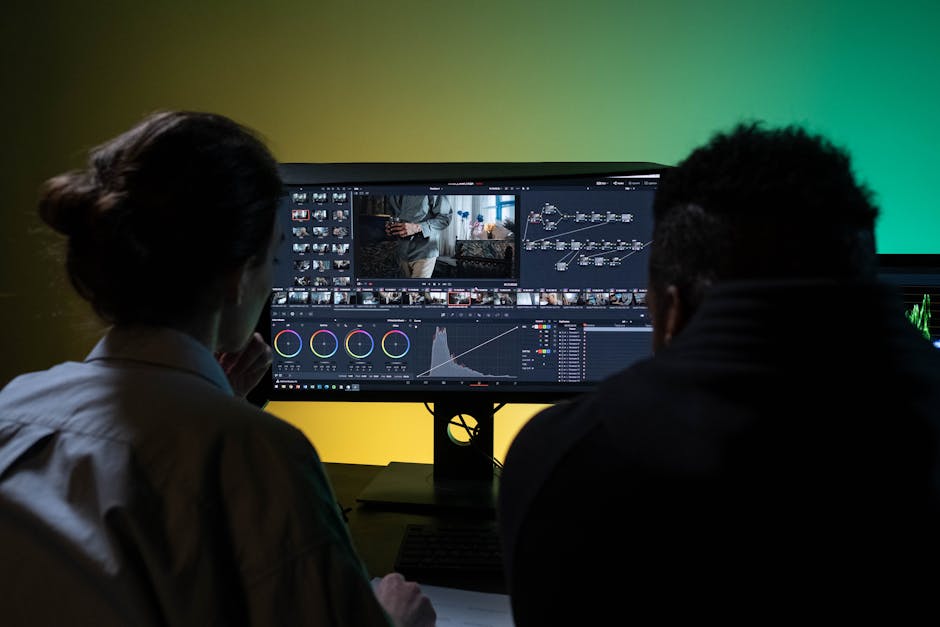
Creating compelling video content is incredibly rewarding, yet often demands significant time, technical skill, and creative prowess. Many aspiring creators feel overwhelmed by the complexity of video editing software, a hurdle I vividly remember facing myself.
However, the advent of AI has dramatically reshaped this landscape. Now, with AI-powered video editing tools as our formidable co-pilots, even non-experts can produce professional-grade content. Having personally experimented with various AI editing platforms, I’ve gathered invaluable insights and strategies. This isn’t just about basic usage; it’s about unlocking the true potential of AI to achieve the precise outcomes you envision. Let’s dive into my proven tips and tricks for mastering AI video editing.
Guiding the AI: Beyond Automation, Towards Your Vision
Many perceive AI video editing tools as mere ‘automation wizards.’ While they undeniably streamline many tasks, achieving truly high-quality, personalized results requires a deeper understanding of how AI processes information and, critically, how to effectively communicate your ‘intent’ to it. I often liken this process to a sophisticated dialogue with an intelligent assistant.
- Clear Prompts are AI’s Compass: When using generative AI tools or style transfer features with text prompts, vague instructions lead to vague outcomes. Instead of ‘dynamic sports video,’ try ‘a 15-second basketball highlight reel with fast-paced cuts, bright, vibrant colors, and an upbeat tempo.’ Be specific with keywords, mood, and desired pace.
- Understanding AI’s ‘Personality’: Different AI tools excel in different areas. Some might be optimized for vlogs focusing on human subjects, while others are better suited for short, punchy advertisements. Experimenting with various tools helps you grasp each AI’s unique strengths, allowing for strategic selection based on your project needs.
- Deep Dive: The Power of Hidden Parameters: Beneath the user-friendly surface of most AI tools often lie advanced settings, or ‘parameters,’ that offer granular control. These might include options for ‘scene transition speed,’ ‘color correction intensity,’ or ‘background music mood.’ Often overlooked in official manuals, manipulating these parameters can dramatically alter AI-generated results. For instance, I’ve found that tweaking the ‘music sync’ parameter allows for perfect beat-matching when the AI’s initial attempt feels slightly off.
The Art of Collaboration: Human Emotion Meets AI Efficiency
AI is a powerful instrument, but infusing a video with ‘soul’ remains a human endeavor. AI can provide the initial framework, upon which we layer our creativity and emotion to elevate the final product. I envision this as a continuous ‘ping-pong game’ between human and AI.
The Critical Take: Knowing When to Override AI and Take Manual Control
Because AI learns from data, it can sometimes fail to fully grasp subtle human emotions or complex narrative nuances. An AI might, for example, deem an intentionally ‘unnatural’ or ‘static’ scene as inefficient and attempt to remove it. Furthermore, facial expressions or movements in AI-generated content can occasionally fall into the ‘uncanny valley.’ In such instances, I don’t hesitate to override AI suggestions and switch to manual editing. Remember, AI is a powerful assistant, but you are the ultimate director.
- Leverage AI as an ‘Idea Generator’: Requesting a rough draft from AI can often spark new ideas and define refinement directions for your project.
- Manual Refinement for Detail: While AI can assist with color grading, sound mixing, or specific transition effects, critical details demand your direct, fine-tuned intervention for perfection. Correcting AI-generated captions for contextual errors or awkward translations is a common example.
- Optimize AI for Repetitive Tasks: Deploy AI for high-volume, tedious tasks like automated thumbnail generation, clipping content to specific lengths, or converting videos into multiple social media formats. This significantly saves time and effort.
Strategic Workflow Integration: When and How to Use AI Effectively
AI video editing tools truly shine when strategically integrated into your existing workflow, rather than used in isolation. My most effective approach typically follows a ‘AI-first, then manual’ strategy.
- Rapid First Drafts: Use AI to analyze lengthy raw footage, extract key moments, and assemble a rough cut. This is particularly valuable for content with consistent formats, such as YouTube vlogs or corporate explainer videos.
- Specific Problem Solver: Employ AI tools for tackling cumbersome individual tasks like audio noise reduction, background blurring, or object tracking. For instance, I’ve saved countless hours by using AI’s ‘magic eraser’ feature to seamlessly remove unwanted objects from the background that went unnoticed during shooting.
- Content Expansion and Adaptation: Automatically transform a single original video into various lengths and formats optimized for different social media platforms, maximizing content reach and reusability.
It’s important to acknowledge AI tools aren’t without their drawbacks. Cloud-based solutions often require a stable internet connection, and processing large files can incur unexpected costs or delays. Moreover, due to limitations in training data, AI might struggle with highly unique or niche artistic styles. Personally, for highly artistic short films or documentaries where nuanced expression is paramount, I minimize AI dependency, using it more as a supplementary tool for creative inspiration rather than a primary editor.
In Conclusion: AI as Your Senior Editing Assistant
AI-powered video editing tools are not just about convenience; they are powerful partners that can significantly expand our creative capabilities. The key is not to blindly follow AI, but to clearly define your vision and skillfully ‘direct’ the AI, much like a seasoned filmmaker guides their crew. Armed with these tips and insights, I encourage you to leverage AI as your senior editing assistant, saving time and effort while bringing your imagination to life in captivating video content. Go forth and create something amazing!
#AI video editing #video editing tips #creative workflow #AI tools #content creation